
VAT
Set the VAT rate added to your orders. The UAE standard rate is 5%.
Who can do thisOwner
#Set your VAT rate
- Go to Settings → Delivery & VAT.
- Scroll to VAT.
- Enter the VAT percentage. The UAE standard rate is 5.
- Check the example on the right, which shows the effect on an AED 100 order.
- Click Save changes in the bar at the bottom.
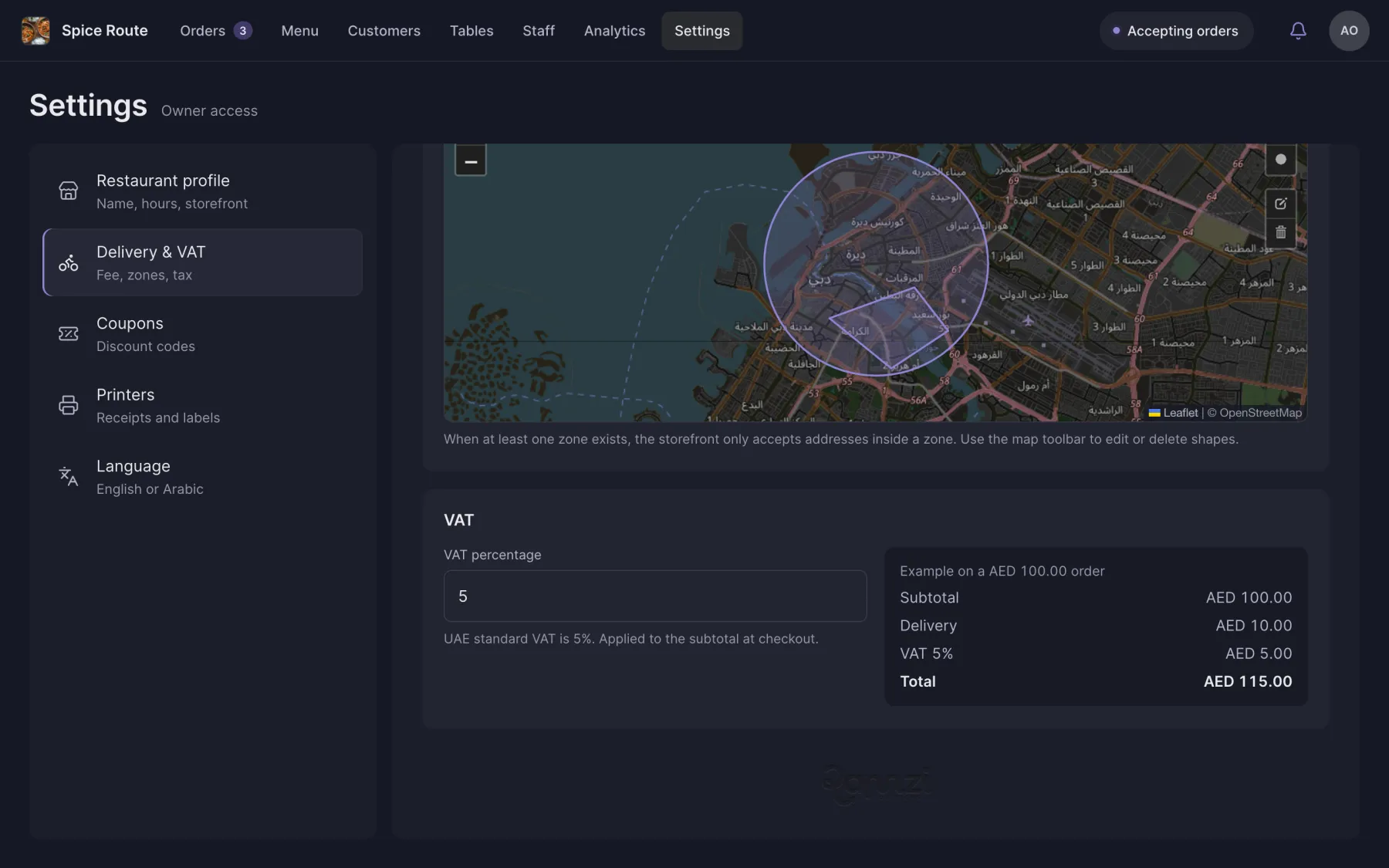
The rate must be between 0 and 100. Enter 0 if you are not VAT-registered.
#How VAT is worked out
VAT is added on top of your menu prices, so enter your prices without VAT.
- Subtotal: the items in the order.
- Discount: any coupon is taken off the subtotal.
- VAT: your rate is applied to the subtotal after the discount.
- Delivery fee: added for delivery orders.
- Total = subtotal − discount + VAT + delivery fee.
For example, at 5% VAT with a 10 AED delivery fee, an order of AED 100 is: 100 + 5.00 VAT + 10 delivery = AED 115.00.
Customers see each line in their cart before they order, and every order, bill and export shows the VAT amount.
Important
Ask your accountant which rate applies to you. Changing the rate only affects new orders.