
Add a driver
Create an account for a delivery driver, so they can see orders that are ready and update them from their phone.
Who can do thisOwnerManager
Drivers have their own role. They can only use the rider app. They can't open the dashboard.
#Create the driver's account
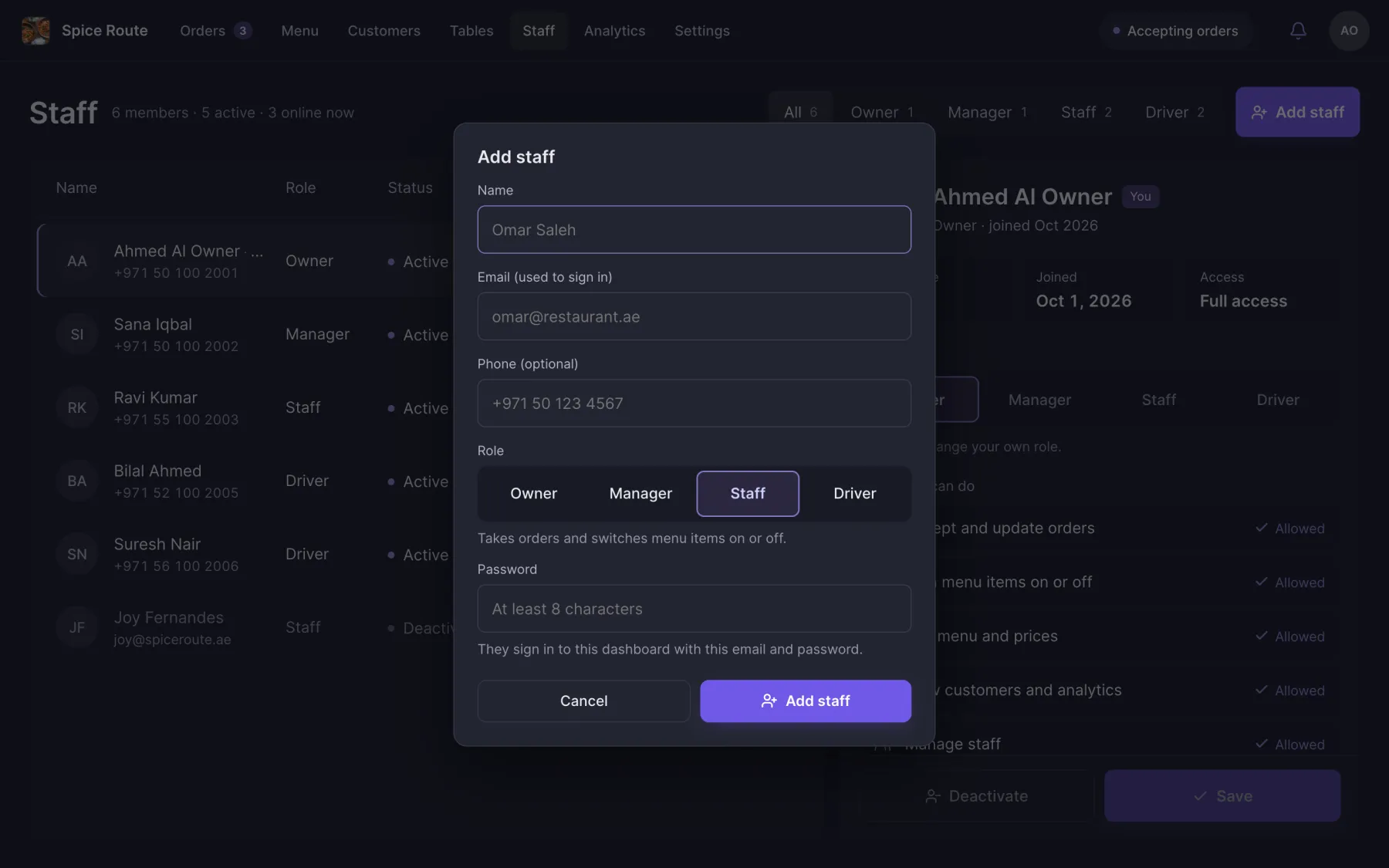
- Go to Staff and click Add staff.
- Enter the driver's Name.
- Enter their Email. This is what they sign in with.
- Optionally, enter their Phone, for example +971 50 123 4567.
- Under Role, choose Driver.
- Enter a Password of at least 8 characters.
- Click Add staff.
#Get them signed in
- Give the driver their email and password in person.
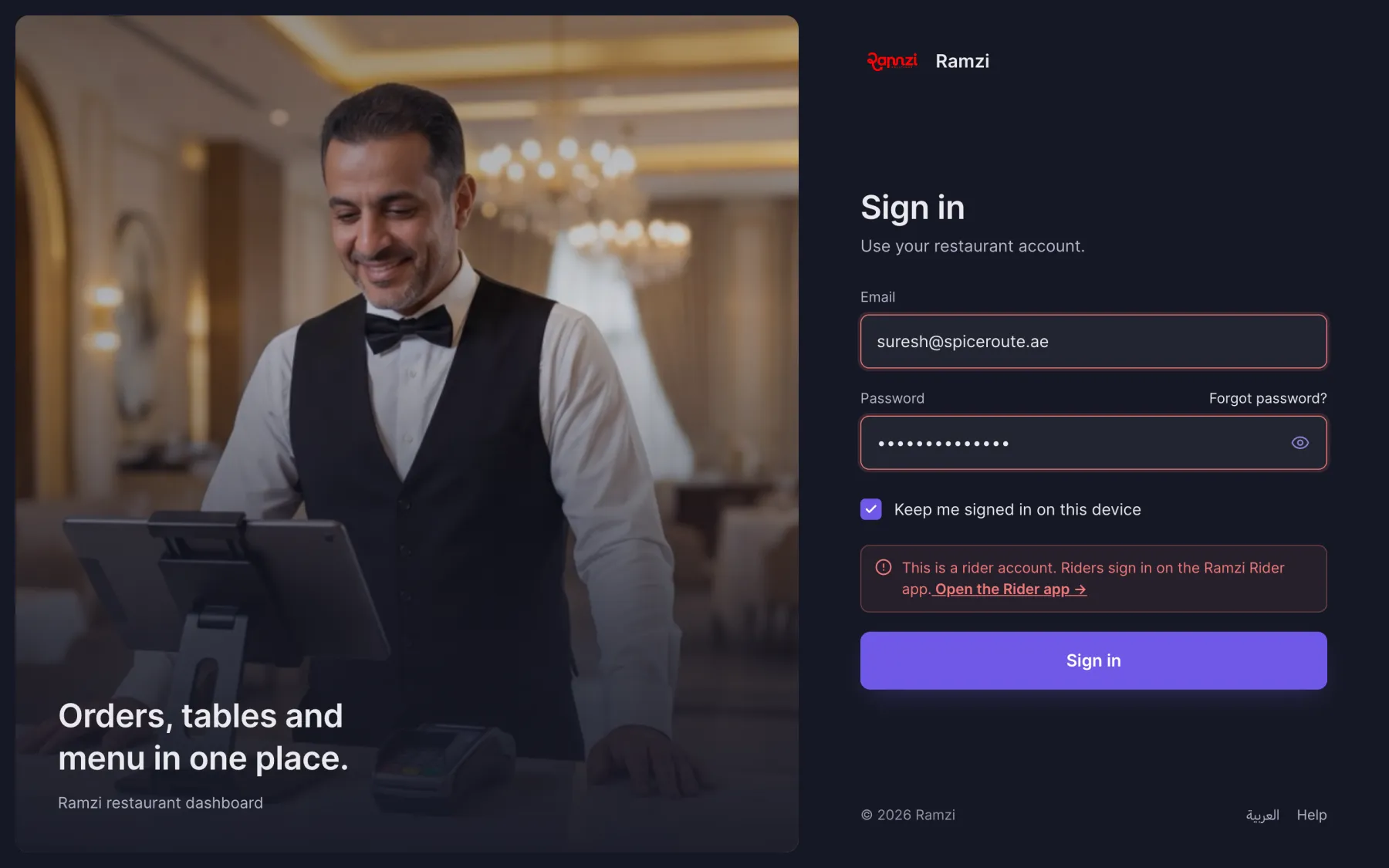
- Send them the Rider app link: go.ramzi.ae. If they try the dashboard sign-in page instead, it tells them they have a rider account and links to the Rider app.
- They open the link on their own phone and sign in.
- Ask them to add it to their home screen, so it opens like an app.
Important
A driver account is linked to the first phone it signs in on. It can't be used on another phone until you unlink it. This stops drivers sharing accounts. See Linked phones.
#Next
See what the driver sees and does in The rider app.