
Busy hours
See your peak hours and busiest days, so you can plan staff, prep and offers.
Who can do thisOwnerManager
Two charts show when your customers order.
#Orders by hour
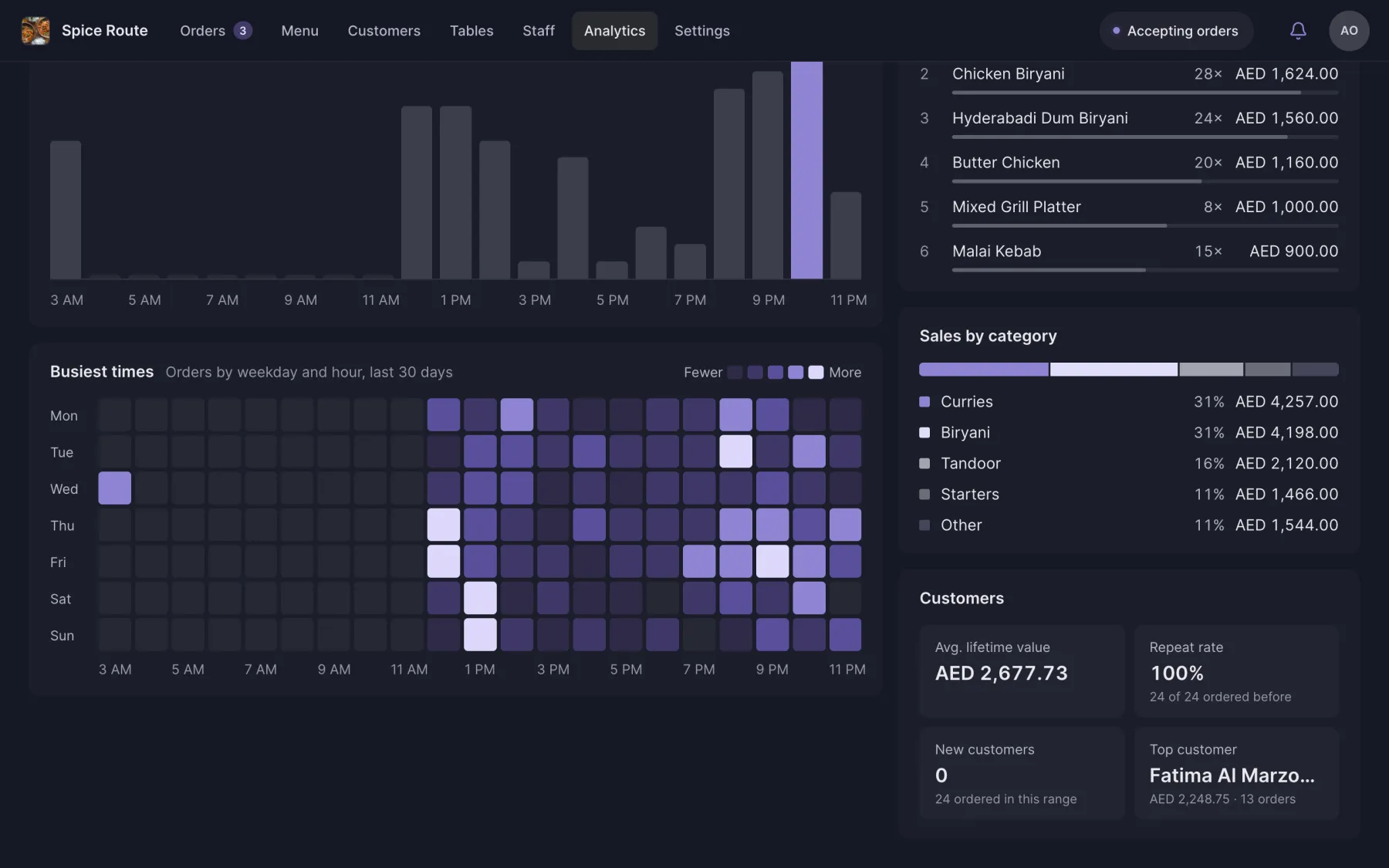
A bar for each hour of the day, for the selected range. The tallest bar is highlighted, and the title shows your peak, for example Peak at 9 PM. Hover over a bar to see its exact count.
#Busiest times
A grid of weekdays (rows) and hours (columns) for the last 30 days, whatever range you picked. The lighter the square, the more orders came in at that day and hour. The Fewer → More scale shows how to read it.
Hours follow UAE time.
#Using it
- Staff rota: schedule more people for your brightest blocks, and fewer for the dark ones.
- Prep: prepare popular dishes before the peak starts.
- Drivers: make sure enough drivers are on shift for delivery peaks.
- Offers: use a coupon to bring orders into quiet hours, for example a weekday-afternoon code. See Coupons.
- Opening hours: if you get no orders at certain hours, consider changing your hours. See Opening hours.