
Search orders
Find an order quickly by customer name, phone number or order number.
Who can do thisOwnerManagerStaff
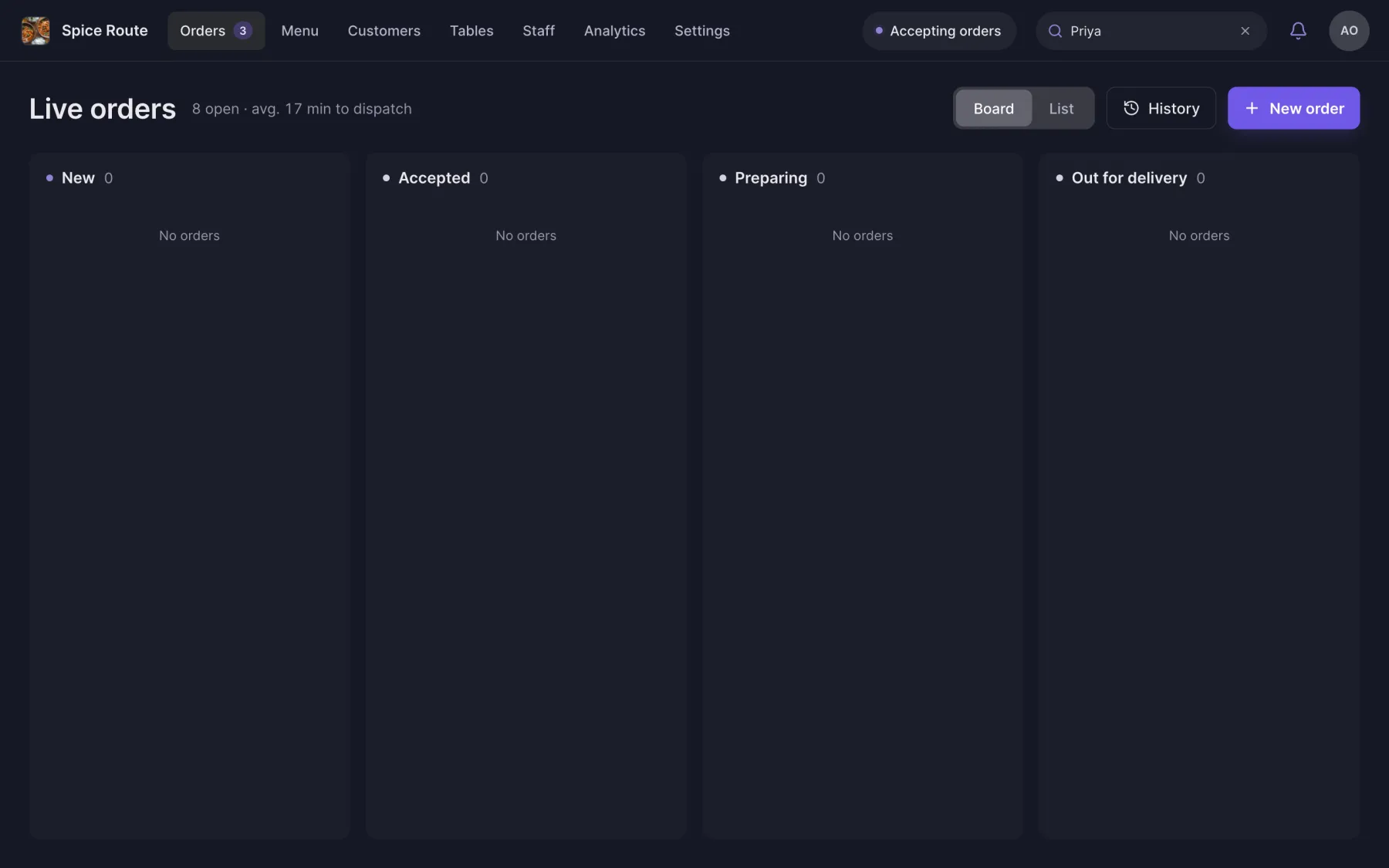
- Click the magnifying glass in the top bar.
- Type part of the customer's name, their phone number, or the order number (for example 458).
- The board or list filters as you type, and shows only matching orders.
- Click the ✕ in the search box to clear it and see everything again.
#Where search looks
- Live orders: searches every open order on the board or list.
- History: searches the page of history you are on (25 orders). To look further back, move through the pages or export your orders and search the spreadsheet.
Tip
To see everything one customer has ever ordered, go to Customers and open their profile instead. See A customer's profile.
On a phone, the search box sits at the top of the Orders screen.