
Call or message a customer
Call a customer or open a WhatsApp chat with them in one tap from their profile.
Who can do thisOwnerManager
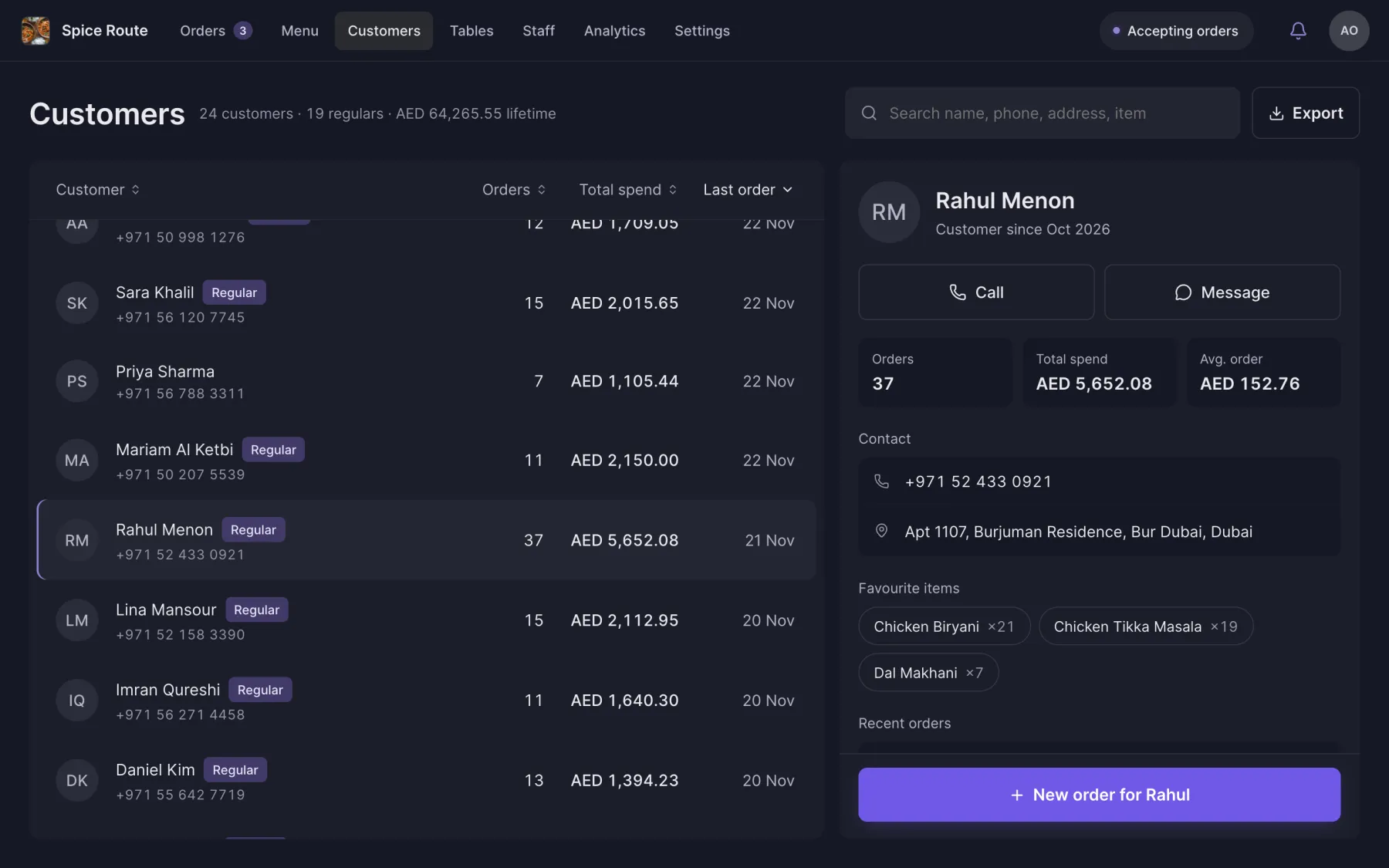
- Go to Customers and click the customer.
- At the top of their profile:
- Click Call to call their number. On a phone or a tablet with calling, it dials straight away. On a computer, it opens your calling app.
- Click Message to open a WhatsApp chat with them, in the app or WhatsApp Web.
#For a live order
The customer's phone number is also on every order. Open the order from the Orders screen to see it. Drivers can call or message the customer from the order in the rider app. See The rider app.
Tip
Message customers about their own orders, or with offers they would want. Don't send bulk messages to customers who haven't agreed to hear from you.