
Dashboard language
Choose English or Arabic for the dashboard on this device.
Who can do thisOwnerManagerStaff
- Go to Settings → Language.
- Choose English or العربية.
- The dashboard reloads in the language you picked.
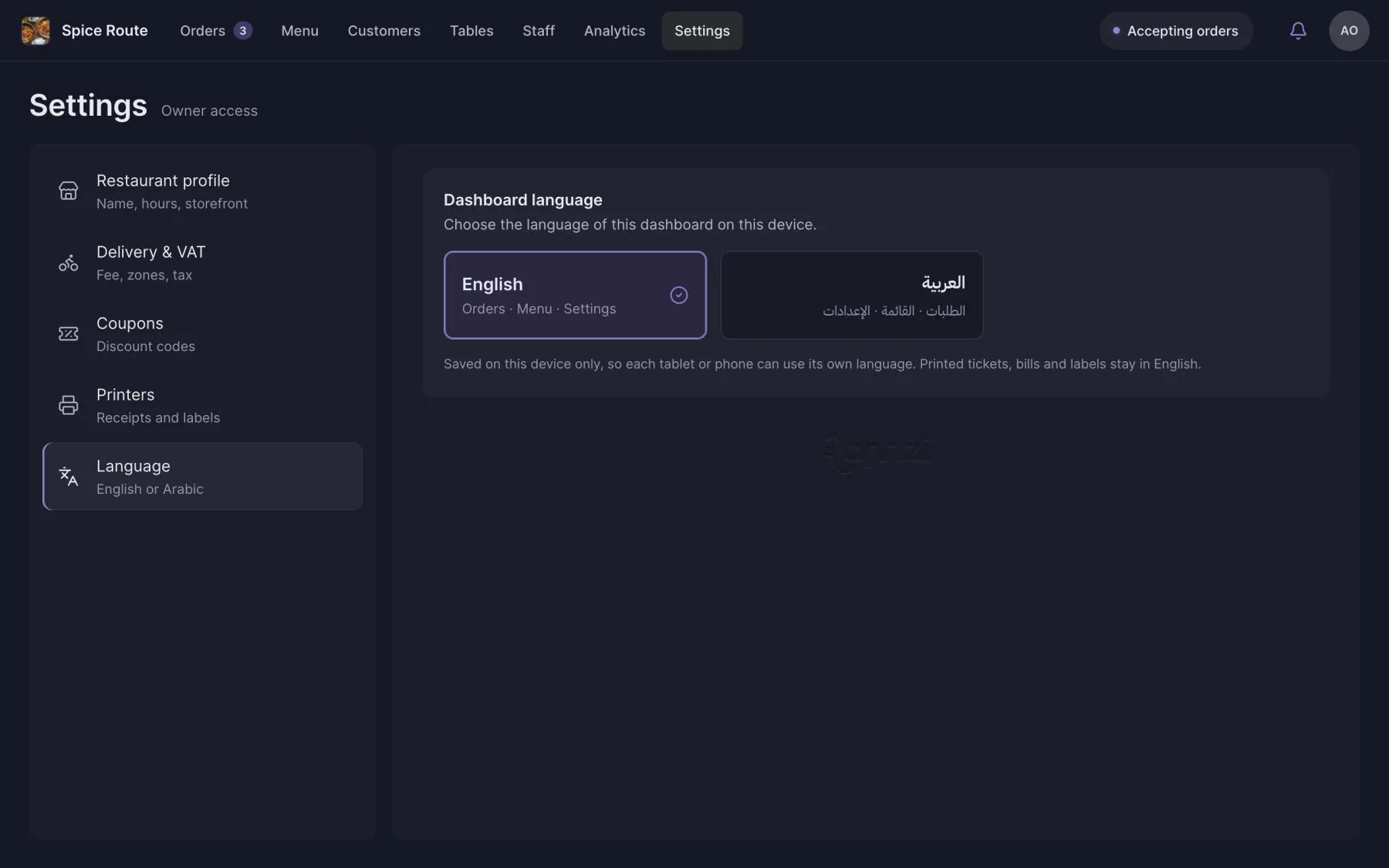
The choice is saved on this device only. Each person can use the language they prefer on their own phone or tablet, and the counter tablet keeps its own setting.
You can also switch from the account menu. See Switch the dashboard to Arabic for what changes in Arabic.
Note
This only changes the dashboard. Customers choose their own language on your storefront, and printouts always stay in English.