
Date ranges and comparisons
Switch Analytics between today, the last 7 days and the last 30 days, and compare each with the period before.
Who can do thisOwnerManager
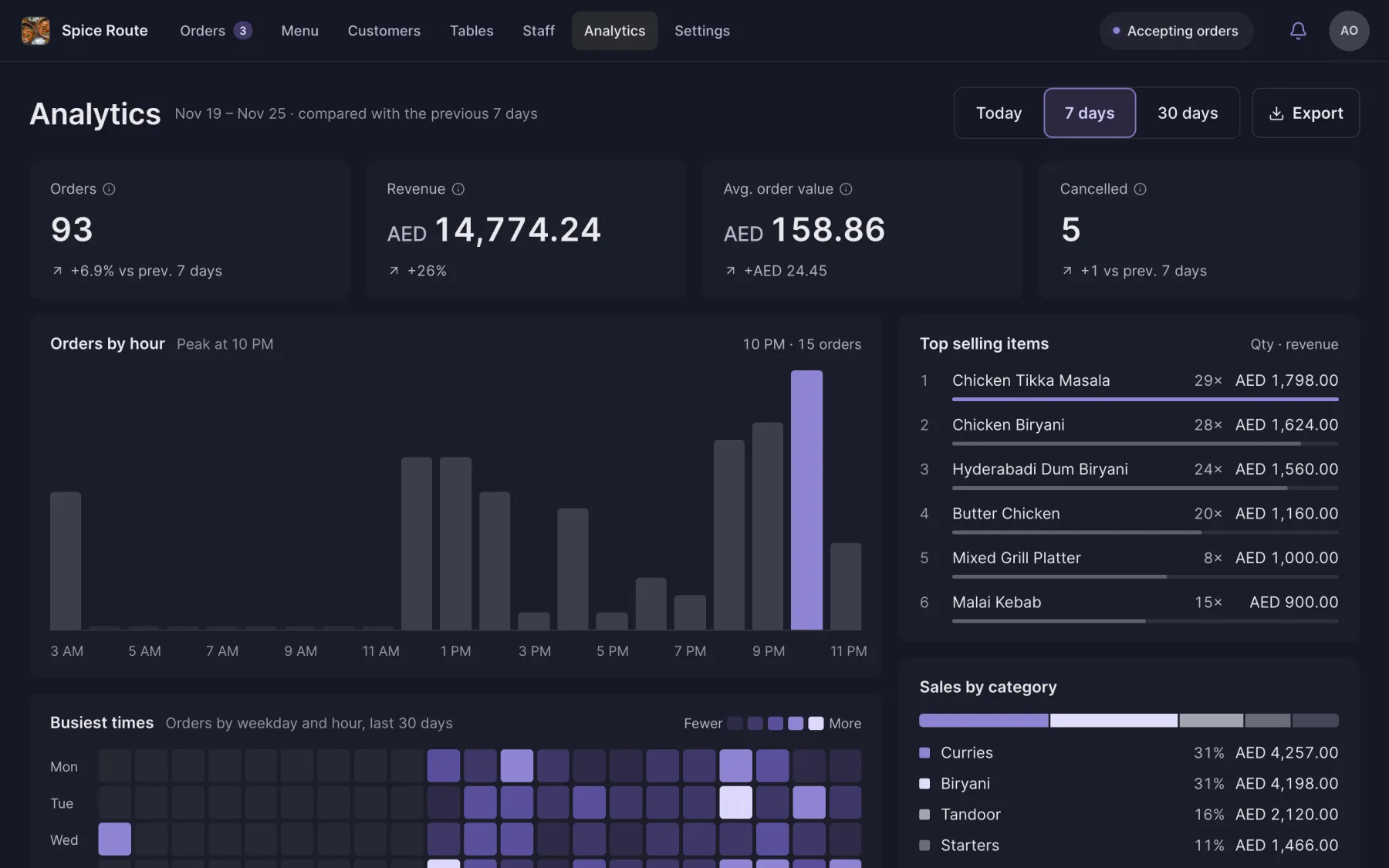
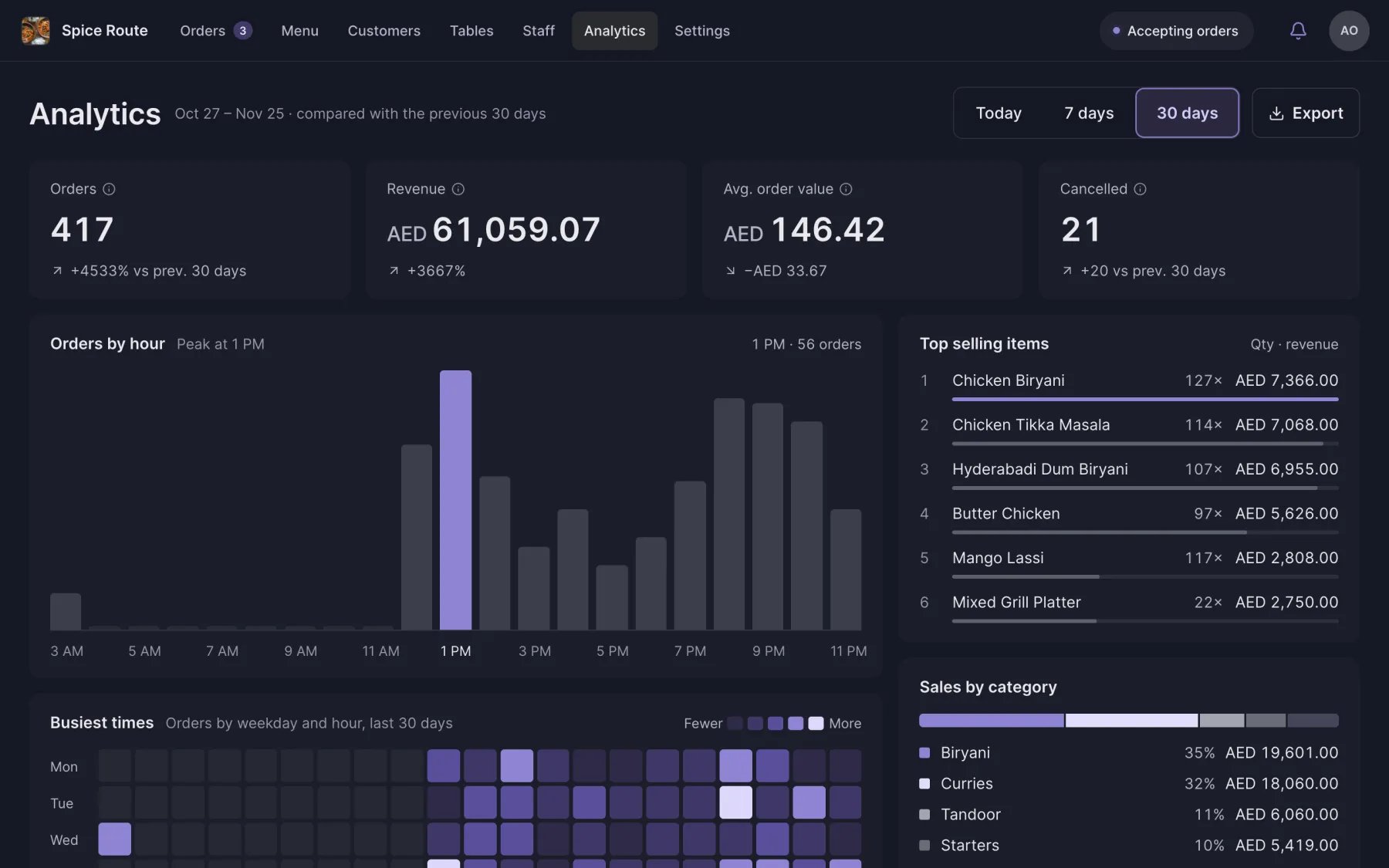
Pick a range with the buttons at the top right of the Analytics page. Every number and chart on the page updates, except Busiest times, which always covers the last 30 days.
| Range | Covers | Compared with |
|---|---|---|
| Today | Today so far | Yesterday |
| 7 days | Today and the 6 days before | The 7 days before that |
| 30 days | Today and the 29 days before | The 30 days before that |
The dates covered are shown under the page title, for example Nov 19 – Nov 25 · compared with the previous 7 days.
#Reading the comparisons
Under each key number, an arrow and a figure show the change from the previous period:
- ↗ +13% vs prev. 7 days: up on the previous period.
- ↘ with a minus figure: down on the previous period.
- No earlier data to compare: there were no orders in the previous period yet.
Days follow UAE time, so "today" starts at midnight in the UAE.
Tip
Compare like with like. Today against yesterday is useful during service, but a Friday will usually beat a Monday. Use 7 days to see real trends.