
Log out
Sign out of the dashboard on this device, and what to do when a shared device changes hands.
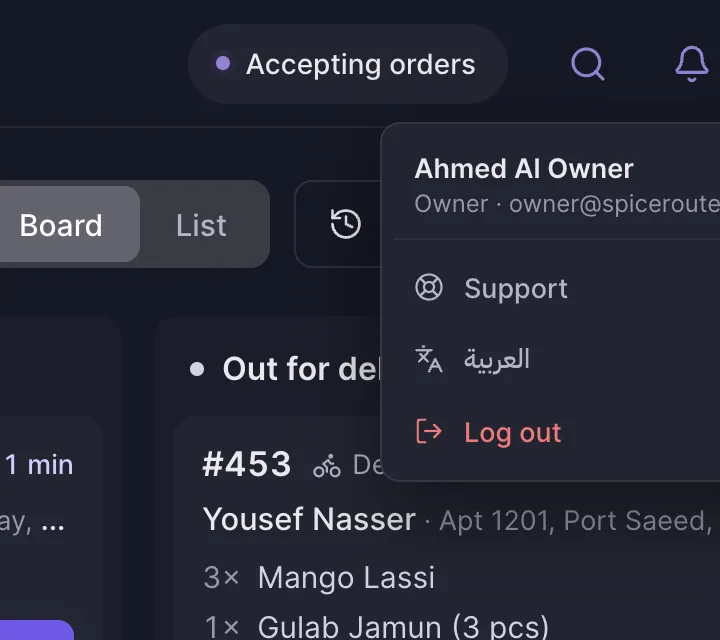
- Click your initials in the top right corner.
- Click Log out.
- Confirm with Log out. You're taken back to the sign-in page.
On a phone, tap the log out icon at the top of the screen.
#When to log out
- Shared devices: log out at the end of each shift, so the next person signs in with their own account. Each person's actions and Last active then stay accurate.
- Personal devices: if you didn't tick Keep me signed in on this device when you signed in, you're signed out when you close the browser.
- Lost device: ask an owner or manager to set a new password for your account, which stops anyone using it. See Edit details and passwords.
Note
The counter tablet can stay signed in. Just make sure the account on it belongs to someone who should be able to accept orders.