
Contact support
How to reach the Ramzi team from your dashboard, and what to include so we can help quickly.
#From your dashboard
- Click your initials in the top right corner and choose Support.
- Under Send a message, check Your name.
- Choose a Topic: General question, Something isn't working, Feature request or Billing.
- Write your Message. Tell us what you need, or what went wrong and on which page.
- Click Send message. Your email app opens with the message ready. Send it from there.
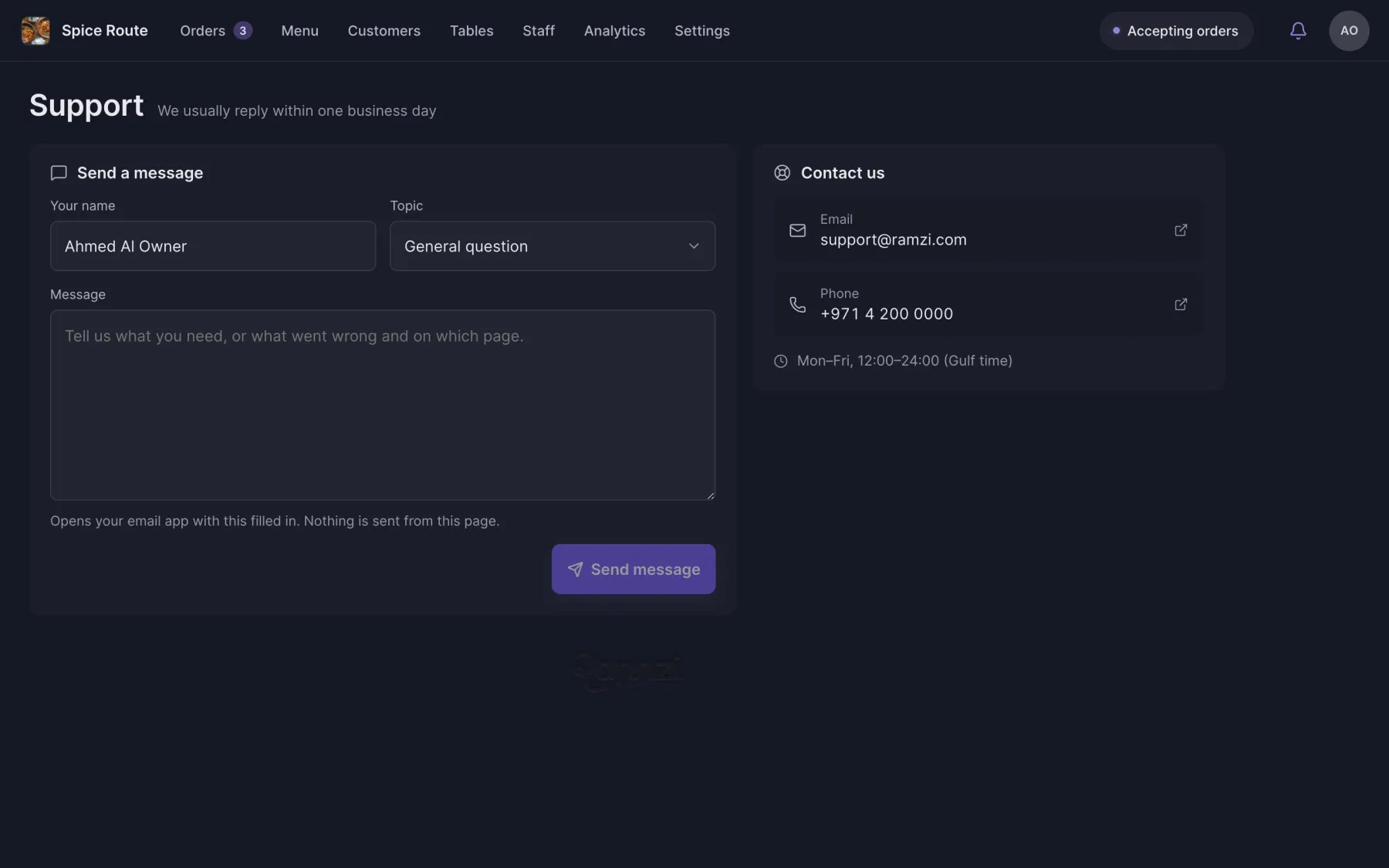
The Contact us panel on the same page has our email and phone number, and our support hours. We usually reply within one business day.
#What to include
The more we know, the faster we can fix it:
- What you were trying to do, and what happened instead.
- Which page, for example Orders or Settings → Printers.
- The order number, if it is about an order.
- Your device and browser, for example iPad, Safari or Android tablet, Chrome.
- A screenshot of what you see.
Tip
Locked out of your account? Staff and managers: ask your owner to set a new password on the Staff page. Owners: email us from the address you signed up with.