
Delivery, pickup and dine-in
The three ways customers can order, how each one looks on the board, and what changes for each.
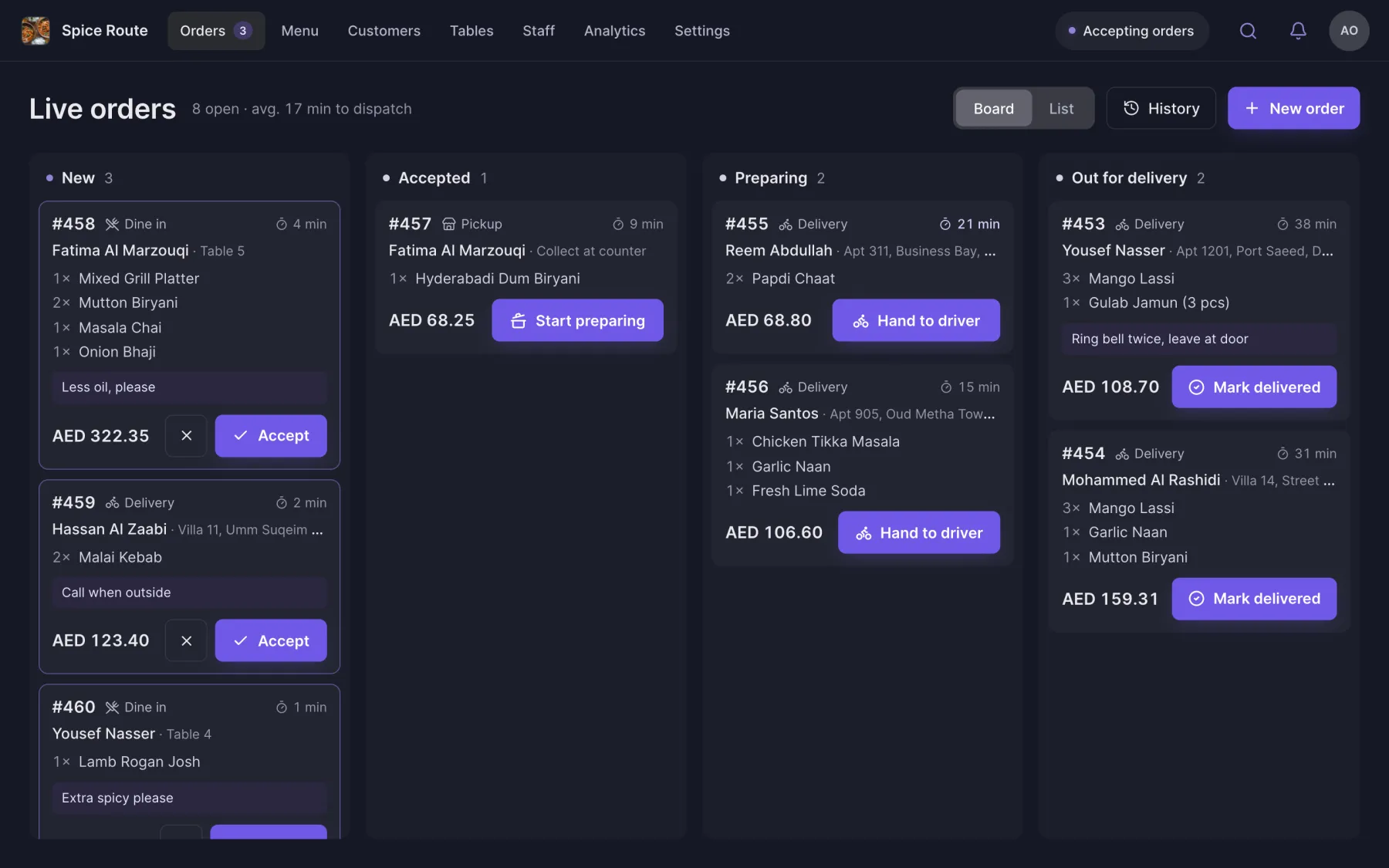
Customers choose how they want to order when they open your storefront. You see the type on every order card, next to the order number.
| Type | Card shows | Fee | Payment | Last steps |
|---|---|---|---|---|
| Delivery | The customer's address | Your delivery fee is added | Cash on delivery | Hand to driver → Mark delivered |
| Pickup | Collect at counter | No delivery fee | Cash on collection | Ready for pickup → Mark completed |
| Dine in | Table and the table number | No delivery fee | Cash on collection | Serve to table → Mark completed |
#Delivery
- The customer must check that their address is inside your delivery area before they can order. See Delivery zones.
- Your delivery fee is added to the order. See Delivery fee.
- When the order is ready, click Hand to driver. Drivers see it in the rider app as soon as it is Preparing, so they can come and collect it. See The rider app.
- The driver collects the cash from the customer.
#Pickup
- The customer collects the order from your counter.
- Click Ready for pickup when it is ready. The customer's tracking page changes to Ready for pickup.
- Click Mark completed once they have collected it.
#Dine-in
- Customers usually order by scanning the QR code on their table, which fills in the table number for them. They can also type it in. See Table QR codes.
- The card shows the table number, and the table on your Tables page shows the order.
- Click Serve to table when the food goes out, then Mark completed when the guests have paid.
#Bag labels
If you use a label printer, labels print for delivery and pickup orders only. Dine-in orders don't need a bag. See Label printer.