
Best sellers and categories
See which items and categories bring in the most, by quantity and revenue.
Who can do thisOwnerManager
#Top selling items
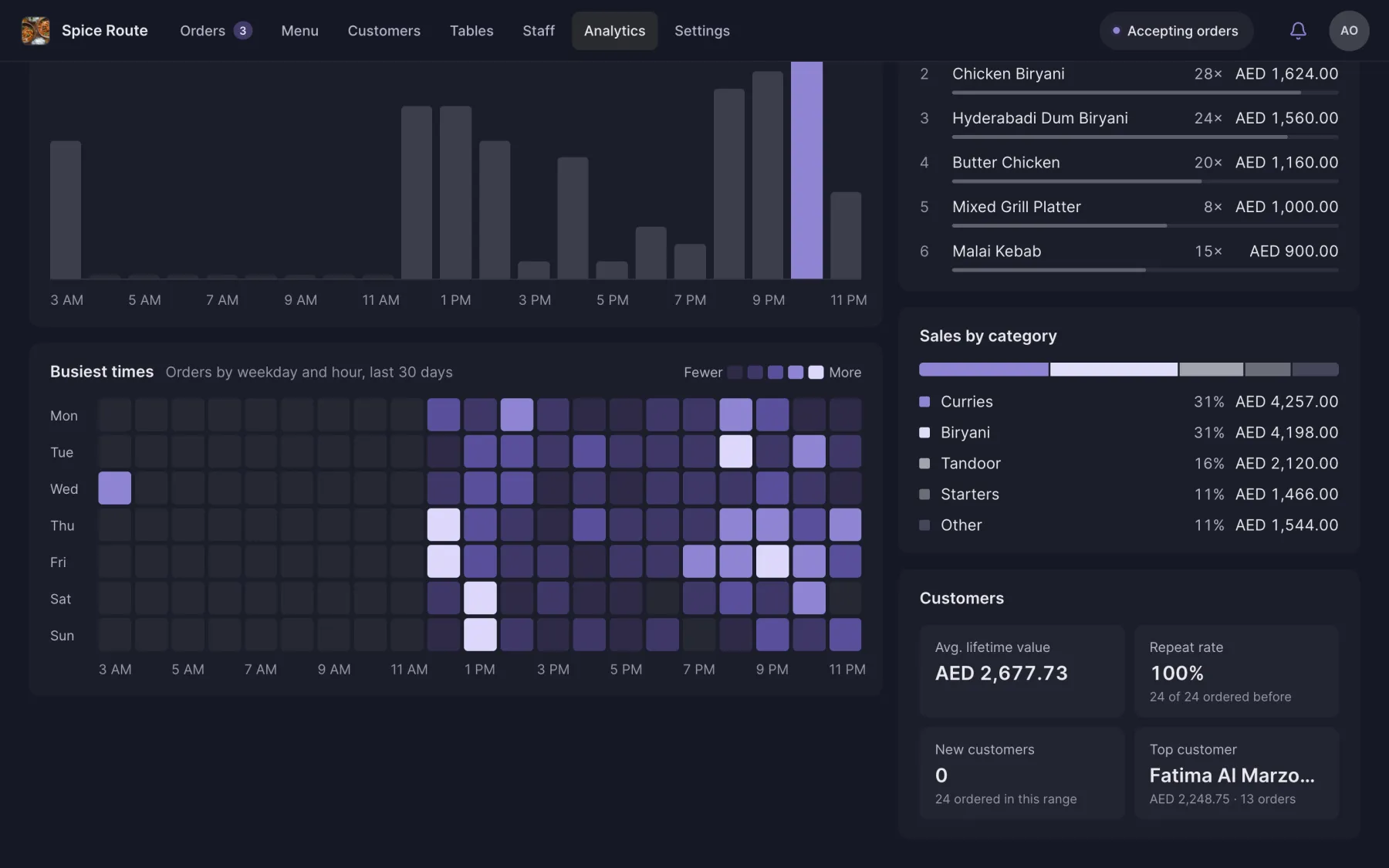
Your six best-selling items in the selected range. Each row shows the quantity sold (for example 31×) and the revenue it brought in, with a bar to compare them at a glance. Items are ranked by revenue.
#Sales by category
How your revenue splits across your menu categories. The coloured bar shows each category's share, and the list underneath shows its percentage and amount, for example Biryani · 36% · AED 4,831.00. Smaller categories are grouped under Other.
#Using it
- Feature your best sellers. Give them the best photos and put them first in their category. See The Menu screen.
- Review slow items. Items that never appear here may need a better photo, description or price, or they may be taking up kitchen time for little return.
- Upsell. Add sizes and extras to your best sellers. See Sizes and extras.
- Plan stock. Make sure you never run out of your top items at peak times.