
Key numbers
What Orders, Revenue, Average order value and Cancelled mean, and how they are worked out.
Who can do thisOwnerManager
The four cards at the top of Analytics are your headline numbers for the selected range. Hover over a card (or press and hold on a tablet) to see its definition.
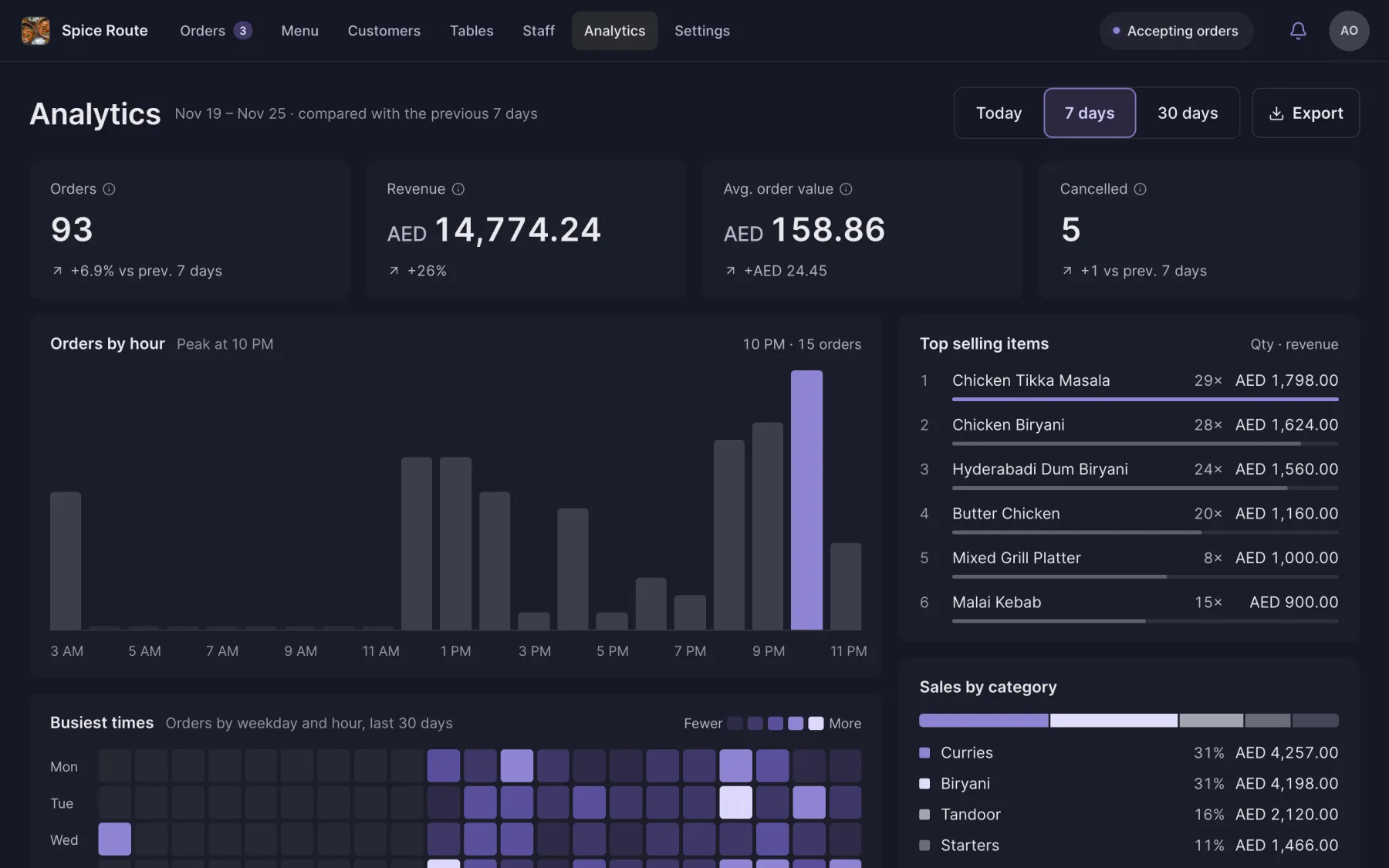
| Number | What it means |
|---|---|
| Orders | Orders placed in this period, not counting cancelled ones. |
| Revenue | The total of all orders in this period, not counting cancelled ones. Totals include VAT and delivery fees, after discounts. |
| Avg. order value | Revenue divided by the number of orders. |
| Cancelled | Orders cancelled or declined in this period. |
Orders count from the moment they are placed, whatever stage they are at now. An order that is still being prepared already counts.
#What to watch
- Orders and revenue going up together: more customers are ordering.
- Average order value going up: customers are spending more per order. Sizes, extras and combos help.
- Cancelled going up: check why you decline orders. Items running out? Too busy at peak times? See Busiest times.
Note
Analytics counts orders from your Ramzi storefront, including orders you place for customers by phone. It doesn't include sales you take outside Ramzi.