
Search and filter items
Find any item in a long menu by name, and filter the list to available or sold-out items.
Who can do thisOwnerManagerStaff
#Search
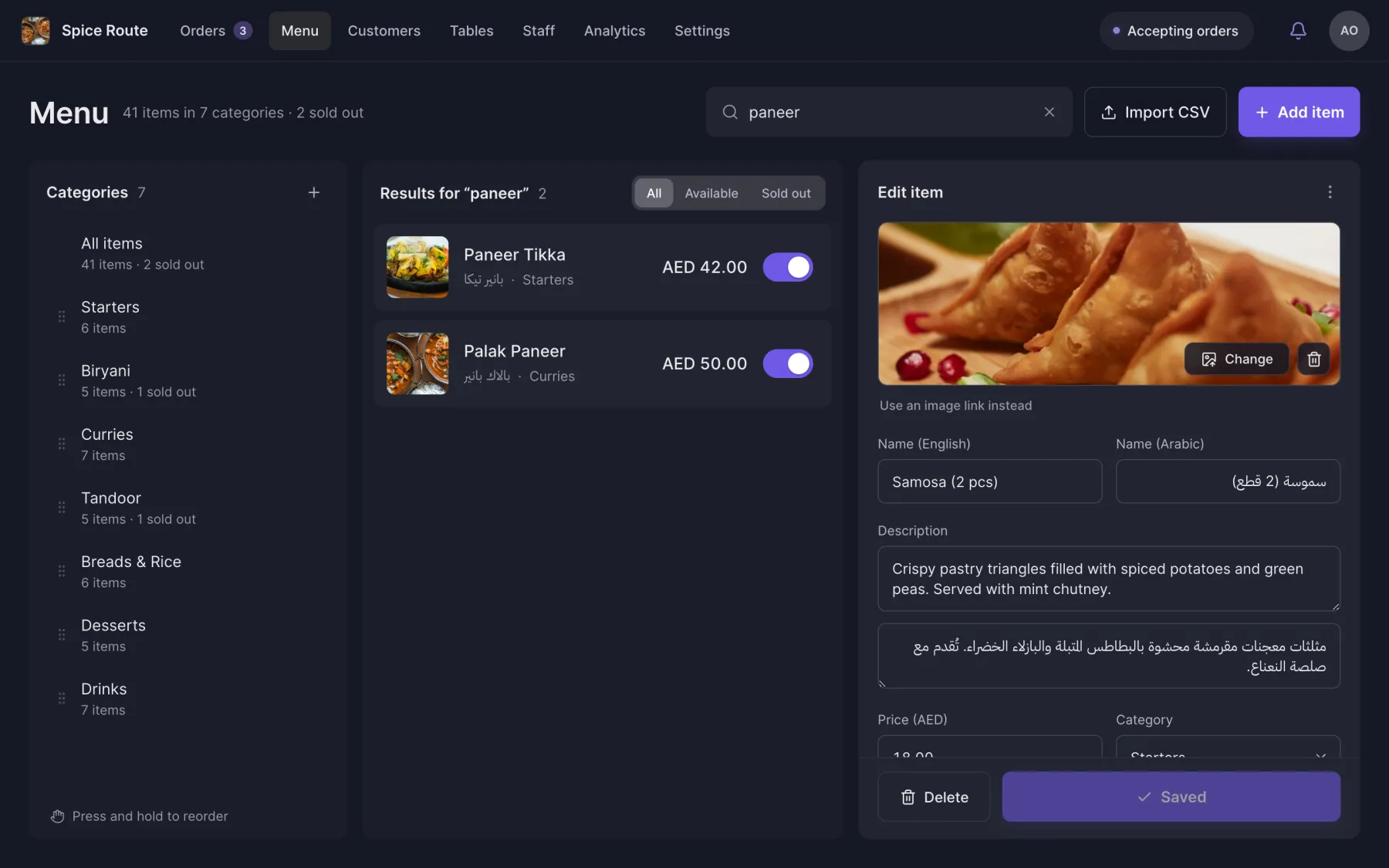
Type in Search all items at the top of the Menu screen. Results show as you type, across every category, matching the English or Arabic name. Click the ✕ in the box to clear the search.
#Filter by availability
The chips above the items list filter what you see:
| Filter | Shows |
|---|---|
| All | Every item. |
| Available | Only items customers can order now. |
| Sold out | Only items switched off. |
#Browse by category
Click a category on the left to see only its items. Click All items at the top of the list to see the whole menu.
Note
Reordering items by dragging is turned off while you search or use the Available or Sold out filter. Clear the search and pick All to reorder.