
Start an order for a saved customer
Place a phone order for a returning customer without retyping their name, number and address.
Who can do thisOwnerManager
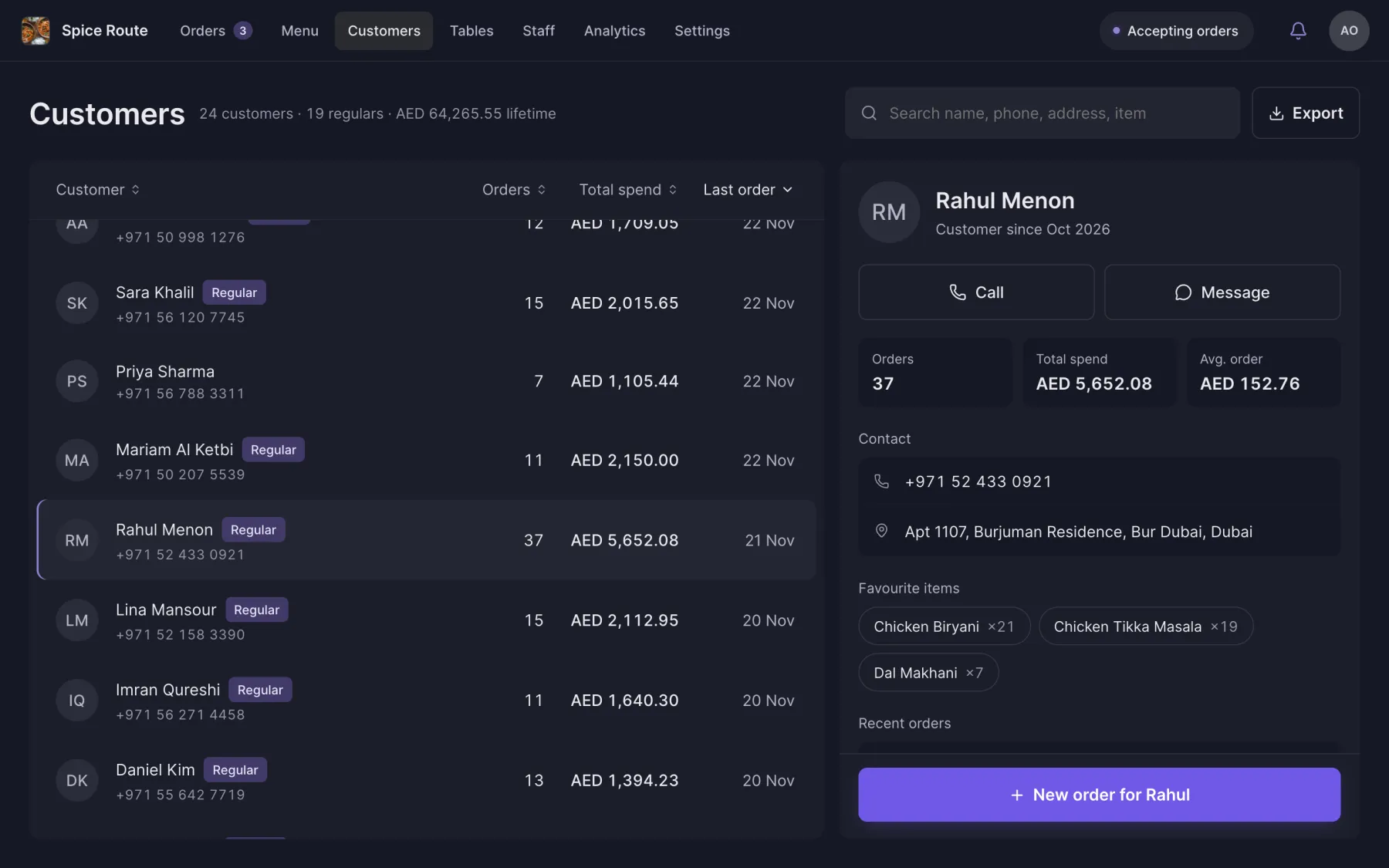
- Go to Customers and find the customer. Search by their phone number if they're calling.
- Click them to open their profile.
- Click New order for [name] at the bottom of the profile.
- Your storefront opens in a new tab, and the customer's name, phone and address are copied to your clipboard. A message confirms it.
- Add the items they want.
- At checkout, paste the details into the form (press and hold, then Paste, or Ctrl+V / ⌘V), then tidy each field.
- Place the order. It appears in the New column on your Orders screen.
For customers who are not in your list yet, use New order on the Orders screen. See Place an order for a customer.
Tip
Glance at Favourite items before you start. Most regulars order the same thing.